In short: Most roofing websites miss calls because visitors cannot quickly see what you do, where you work and how to contact you. Put a clear offer, a tap to call button, real proof and a simple quote form on every page, then track what comes in.
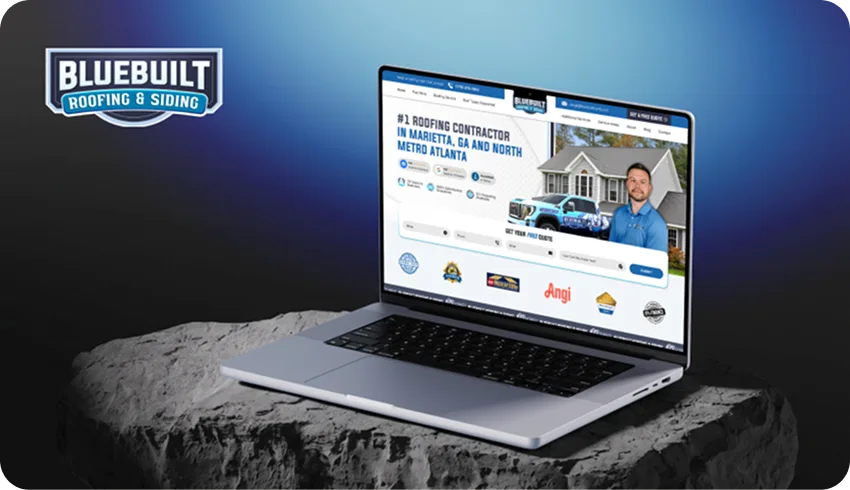
Start with what a homeowner sees
A roofing website can look polished and still make it difficult to contact the business. Before changing colours or buying more traffic, open your homepage on a phone. Imagine you have a leak and have never heard of the company. Can you quickly tell what it does, where it works and how to ask for help? Those are useful questions to answer before worrying about decoration.
Your main heading and the text around it should make the business understandable. Name the services you actually provide and the areas you genuinely cover. Avoid broad promises that could describe any contractor. A homeowner should not have to work through several screens to discover whether you offer roof repairs in their town or only full replacements elsewhere.
Make the contact step obvious
Look for your phone number and quote request button without using the menu. If they are hard to find, bring a clear contact option into the first part of the page. A phone link should dial the right number when tapped. A form should explain what happens after it is sent, without promising a response time your business cannot consistently meet.
Ask only for information that helps you handle the enquiry. Name, contact details, location and a short description may be enough to begin a conversation, depending on your process. Test the form yourself. Try a phone number with spaces or brackets, check the confirmation message and make sure the enquiry reaches the person responsible for returning it. A working form matters more than a clever form.
Show proof you can stand behind
Homeowners need a reason to trust a company they have not used before. Real project photos, accurate business information and genuine customer reviews can help them understand your work. Add context to project images, such as the service provided, when you have permission and the information is correct. Do not use someone else’s work as if it belonged to your crew.
Only display licenses, insurance details, certifications and warranties that apply to your business. If a claim needs an explanation, provide it. Avoid invented review scores, vague awards or a list of services you cannot deliver. Useful proof is specific and honest. It should answer a homeowner’s questions, not create expectations you have to correct when they call.
Check the phone experience and loading
Many homeowners will visit from a phone while comparing local options. Check that text is readable, buttons are easy to tap and nothing covers the contact details. Open every menu and try each important page. A layout that looks good on your office monitor can still become awkward on a smaller screen, especially when a long heading or large image pushes the next step out of view.
Large images can slow down a page without adding useful detail. Use appropriately sized images and modern formats where suitable, while keeping the actual work clear. Give images stable dimensions so the page does not jump as they load. Google’s Core Web Vitals can help identify loading, responsiveness and visual stability problems. Better measurements are not a guarantee of calls, but the experience is worth checking.
Separate traffic from enquiries
A website cannot turn visitors into enquiries if suitable homeowners are not reaching it. Check whether your Google Business Profile links to the right page and whether your main services have clear information on the site. Advertising should send people to a page that matches the service they searched for. Do not send a repair enquiry to a page that only talks about new installations.
Track phone calls and form submissions, then record which ones become estimates and jobs. That gives you a more useful picture than page views alone. Start by fixing broken contact options, unclear services and obvious phone layout problems. Then review where visitors come from and what they do. Make changes based on what you can observe, rather than rebuilding the entire website because it feels quiet.